+

In stock *In Stock - Subject to stock availability at point of fulfilment. In the event whereby the item is out of stock or unable to provide the service, 1Outlets will cancel the order and issue a Full refund in-store credit to you. SKU : a42ddfbf625fc0d60a2f2edd53443114
**Free Shipping Worldwide available - Shipping time may vary depending on the address.
**Circumstances Reroute - This is a time of great stress and uncertainty. We are actively validating, routing and re-routing orders with our overseas merchants, logistic partners and airlines. Deliveries and supply may expect delays.
**In Stock (Low Inventory Warning) - Subject to stock availability at point of fulfilment. In the event whereby the item is out of stock or unable to provide the service, 1Outlets will cancel the order and issue a Full refund in-store credit to you (See Refunds).
**Report or Request Removal - Any copyrighted, DMCA, inappropriate, offensive, prohibited, potentially Illegal Listings (Submit doc here).
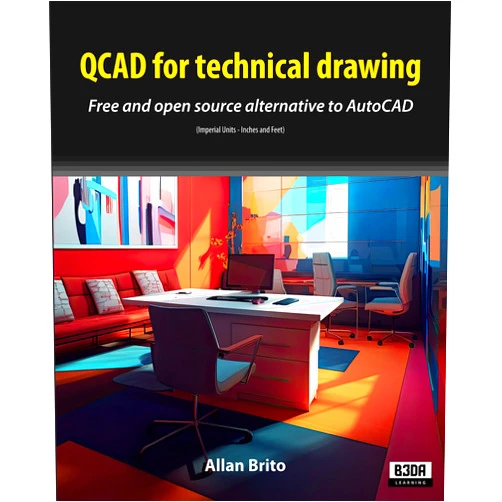
Master technical drawing with ease using QCAD for Technical Drawing, the comprehensive guide by Allan Brito that expertly navigates the free and open-source alternative to AutoCAD. This invaluable resource unlocks the power of QCAD, simplifying complex designs and empowering you to create precise, professional-looking drawings using imperial units (inches and feet). Learn at your own pace, from the fundamentals to advanced techniques, and transform your design projects.
Q: Is the guide suitable for beginners? A: Absolutely! The guide's clear explanations and step-by-step instructions make it perfect for beginners with no prior experience in CAD software.
Q: Does the guide cover only the basics? A: No, it covers a broad range of features and techniques, providing a thorough understanding of QCAD’s capabilities.
Q: Is this guide specific to a certain version of QCAD? A: While specific version numbers might be mentioned, the underlying concepts and techniques are applicable across versions.
Q: What kind of projects can I create with the knowledge gained from this guide? A: You can tackle a wide range of projects, including architectural designs, mechanical drawings, and more.
Q: Will I be able to create professional-looking drawings using this guide? A: Yes! The guide provides the knowledge and skills to create high-quality, professional-looking technical drawings using QCAD.